How to Build a Multi-Agent Team with OpenClaw a detailed, step-by-step guide to setting up autonomous AI agents with dedicated roles, secure infrastructure, token optimization, and Slack-based collaboration. Learn how to run developer, marketing, and operations agents on a dedicated machine while managing costs, permissions, and workflows. Perfect for builders ready to scale output without scaling payroll.
A detailed, practical guide to designing, deploying, and managing your own AI workforce
Introduction: From Curiosity to Capability
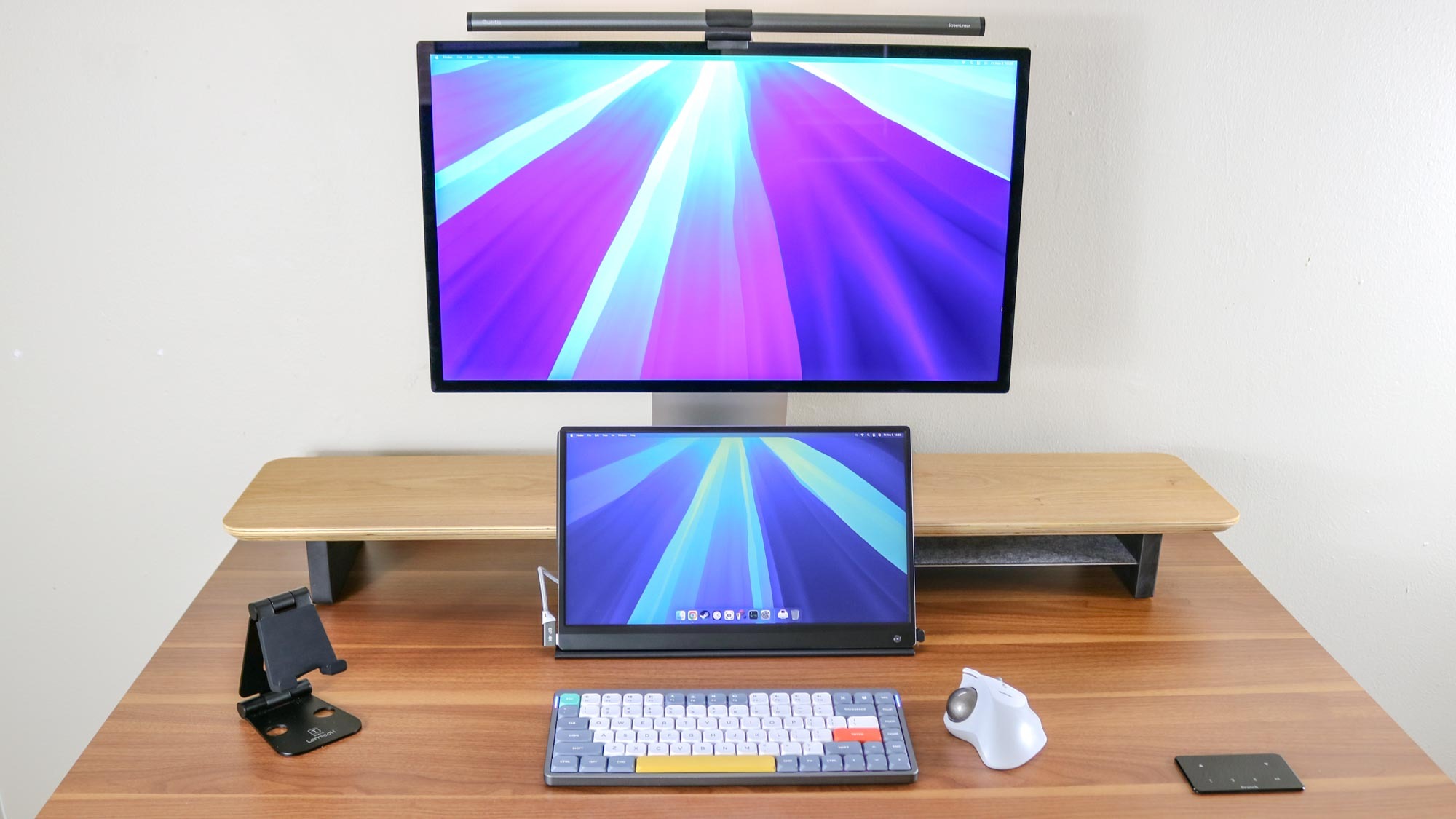
Well, sitting on my desk is a new Mac Mini that I set up just for the purpose of running my team of AI agents using OpenClaw.
I’ve got:
- A developer
- A marketer
- A project manager
- A system admin
They each have:
- Their own personality
- A queue of tasks
- A custom dashboard
- Slack channels
- Defined responsibilities
I’m chatting with them in Slack just like I would with real team members — except they’re agents powered by OpenClaw and various large language models.
What a time this is.
But getting here?
It was not plug-and-play.
Over many late nights, I had to answer:
- Should I buy hardware or use a VPS?
- What will this cost in tokens?
- Can I use my Claw Max plan?
- Telegram or Slack?
- One agent or a team?
- Do I need a dashboard?
- What about security?
- And most importantly — what is my actual use case?
This guide walks you through every decision, every configuration, and the mindset shift required to build a serious multi-agent team with OpenClaw.
1. What OpenClaw Actually Is (And Why It’s Different)

OpenClaw is not just another coding assistant.
It is built around a persistent process called the Gateway.
The Gateway:
- Runs continuously
- Maintains memory
- Logs sessions
- Executes tools
- Uses browsers
- Runs bash scripts
- Operates independently
This is fundamentally different from cloud code sessions in your terminal.
With OpenClaw:
- Your agents are always on
- They work in the background
- You delegate tasks through chat
- They execute autonomously
It feels less like using software and more like managing teammates.
2. Choosing Where to Run Your Agents
This is your first major decision.
Option A: VPS ($5–$30/month)
Pros:
- Cheap
- Always on
- Easy to scale
Cons:
- Limited storage on cheap tiers
- Harder to debug visually
- Less control
Option B: Dedicated Physical Machine (My Choice)
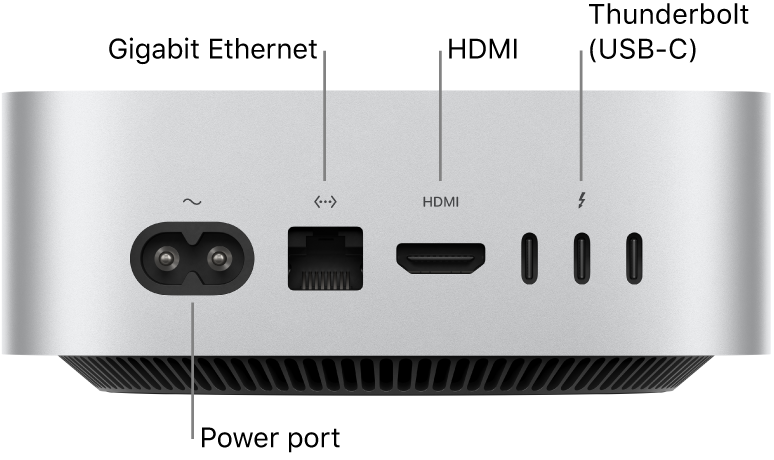
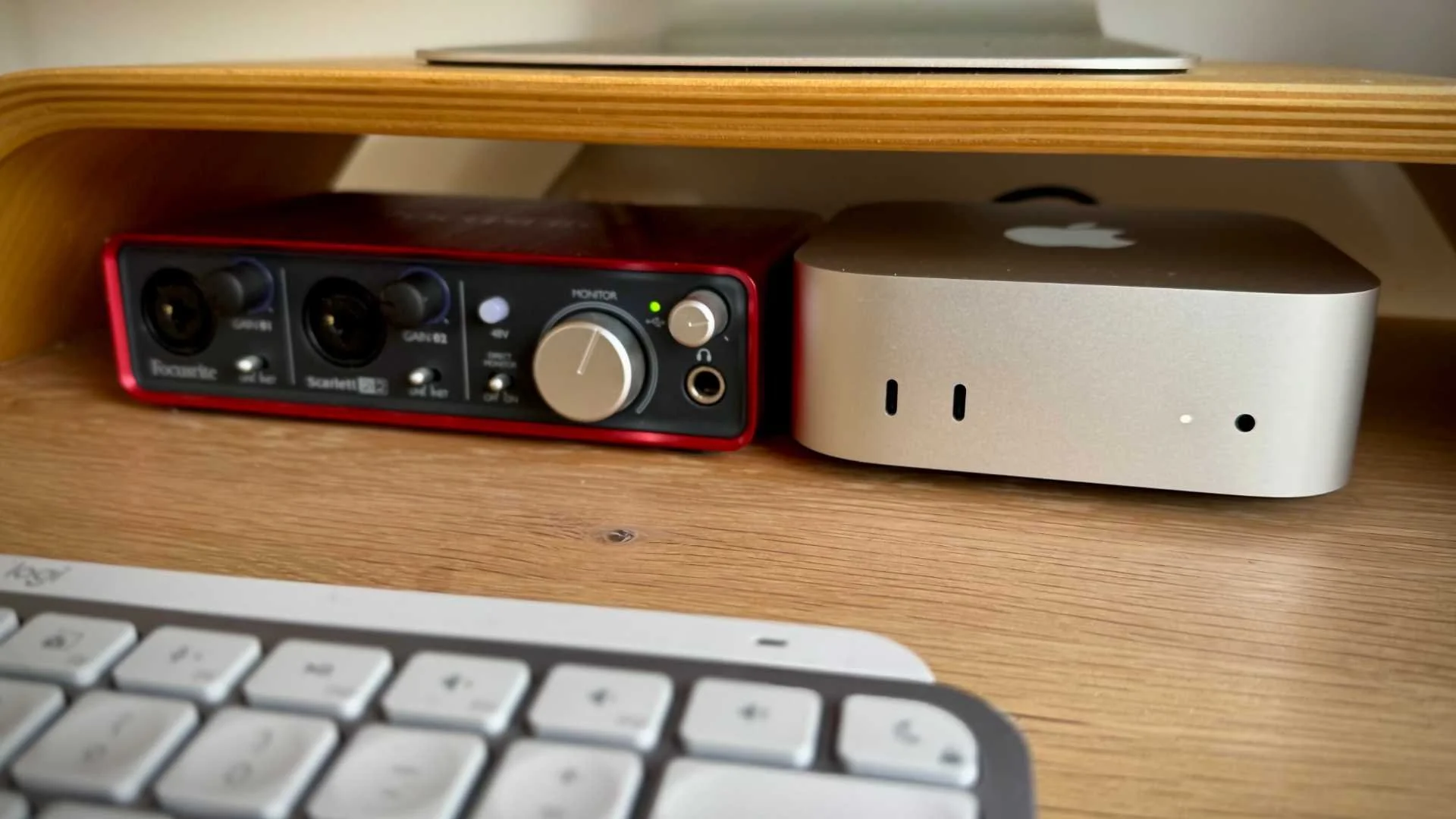

I chose a Mac Mini M4 ($600).
Why?
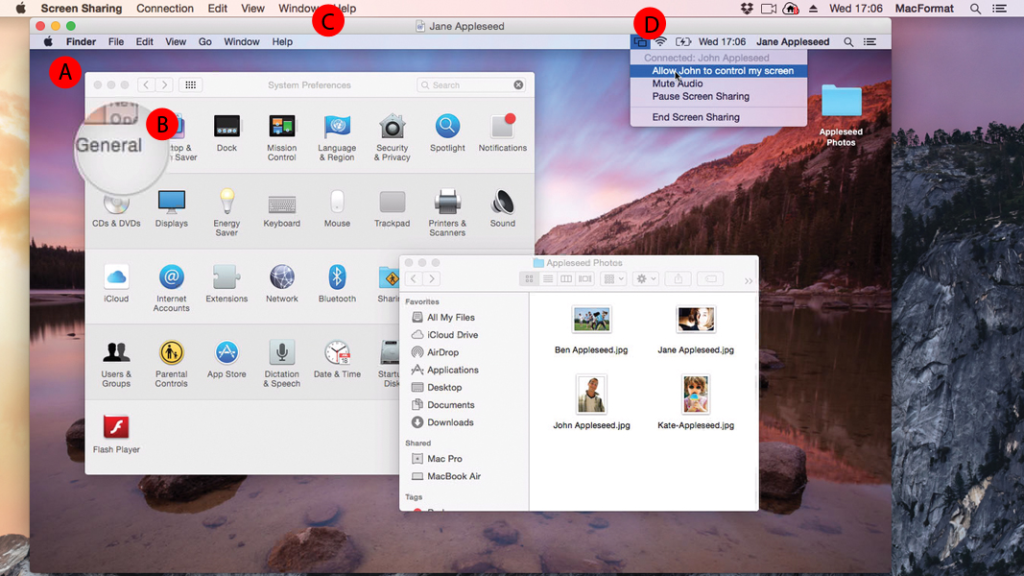
- I like screen sharing into it
- I can install tools visually
- I SSH when needed
- More storage and bandwidth
- It feels like managing a workstation
If this fails?
It becomes part of my home studio.
3. Security: Treat Agents Like Employees
This is where the “AI team” metaphor becomes real.
If you hire someone, you don’t:
- Give them your personal laptop
- Let them roam your full Dropbox
- Hand over all passwords
So don’t do that with agents.
What I Did
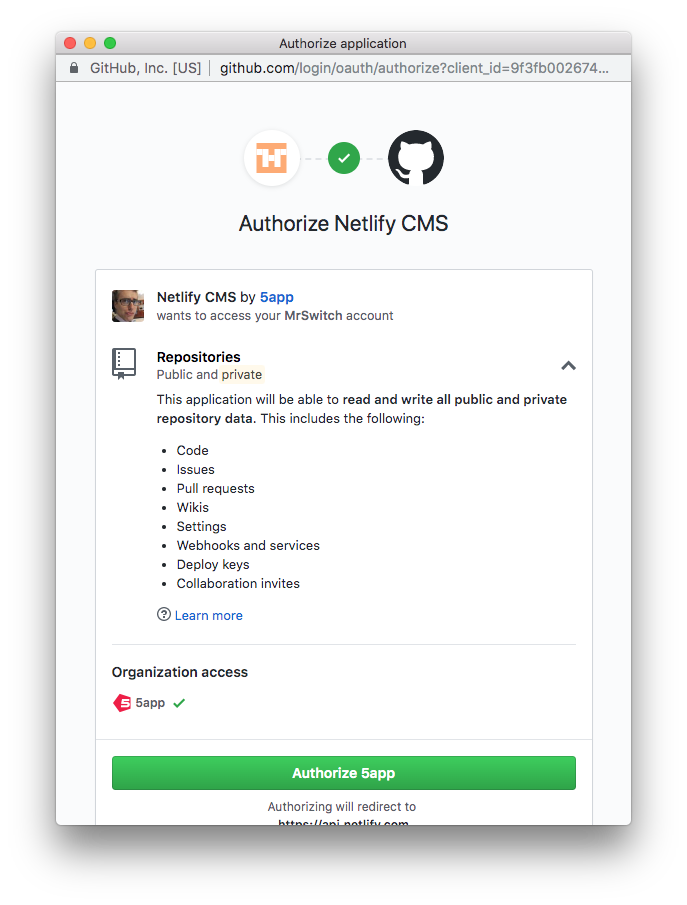
- Created a dedicated email
- Created a dedicated GitHub user
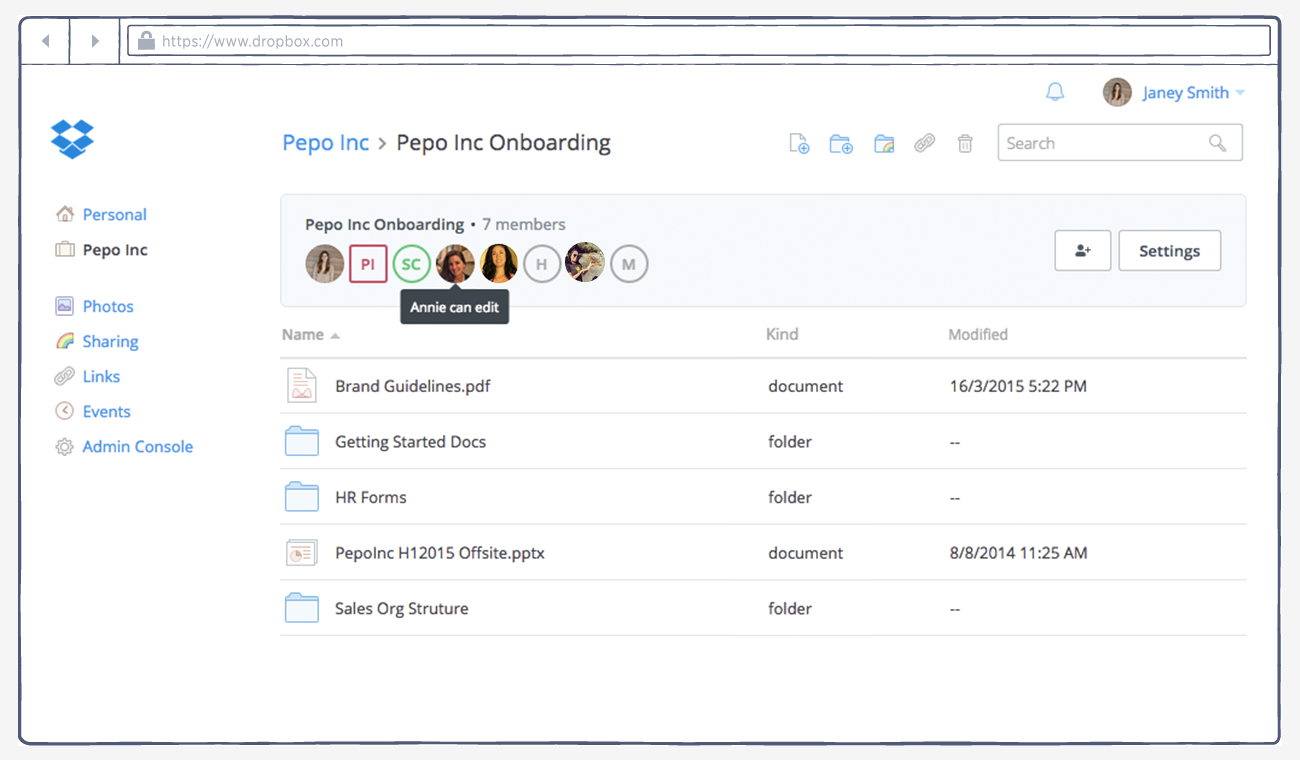
- Created a separate Dropbox account
- Shared only specific folders
- Walled off personal files
Principle:
Agents get least-privilege access — only what they need.
4. Understanding Costs (And Avoiding Disaster)
Tokens add up fast.
I spent $200 in two days during setup.
Key Lessons
- Don’t run everything on premium models
- Separate personal subscriptions from agent tokens
- Use a router like OpenRouter
- Assign different models to different agents
My Setup
| Agent | Model |
|---|---|
| Developer | Opus |
| System Admin | Opus |
| Marketer | Sonnet |
| Assistant | Sonnet |
For sub-tasks:
- Sometimes cheaper models
- Sometimes premium reasoning
Business ROI View
If token costs = $500/month
But you avoid hiring $8k/month in staff…
The math becomes compelling.
5. Choosing Chat Interface: Telegram vs Slack
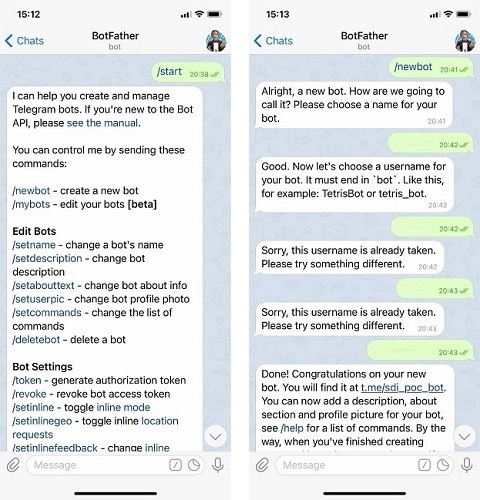
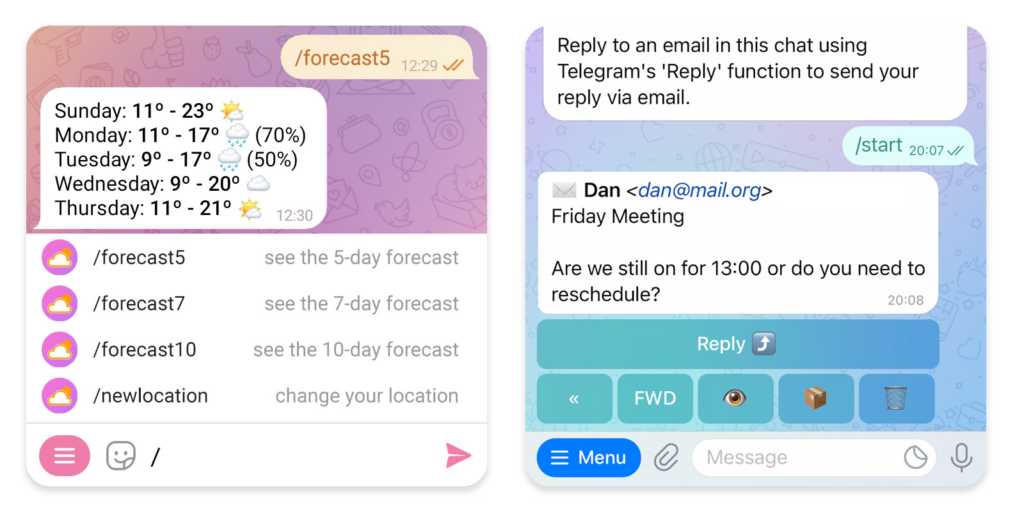
I tested Telegram first.
It worked.
But:
- Markdown formatting felt clunky
- Hard to manage multi-agent threads
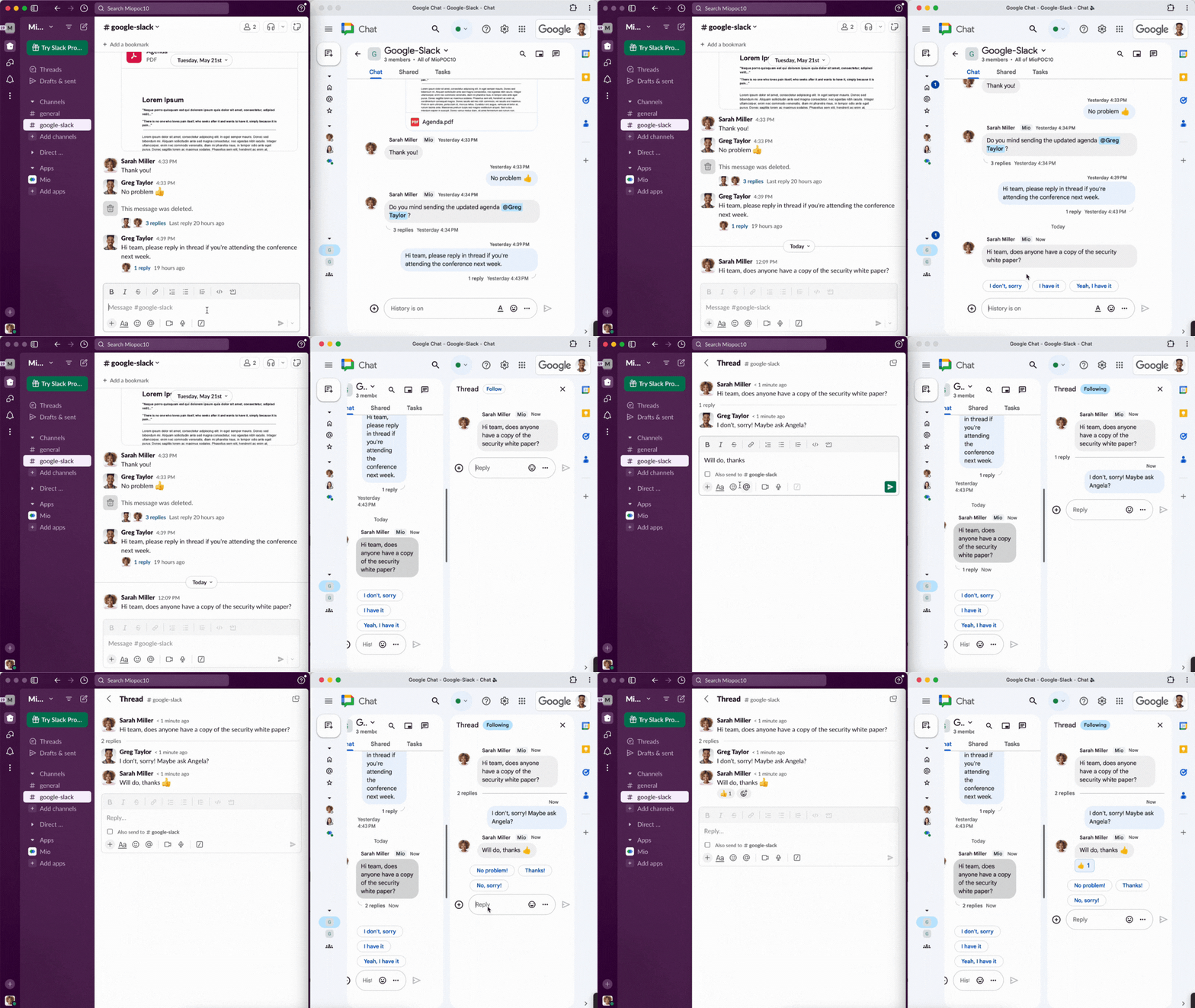
I switched to Slack.
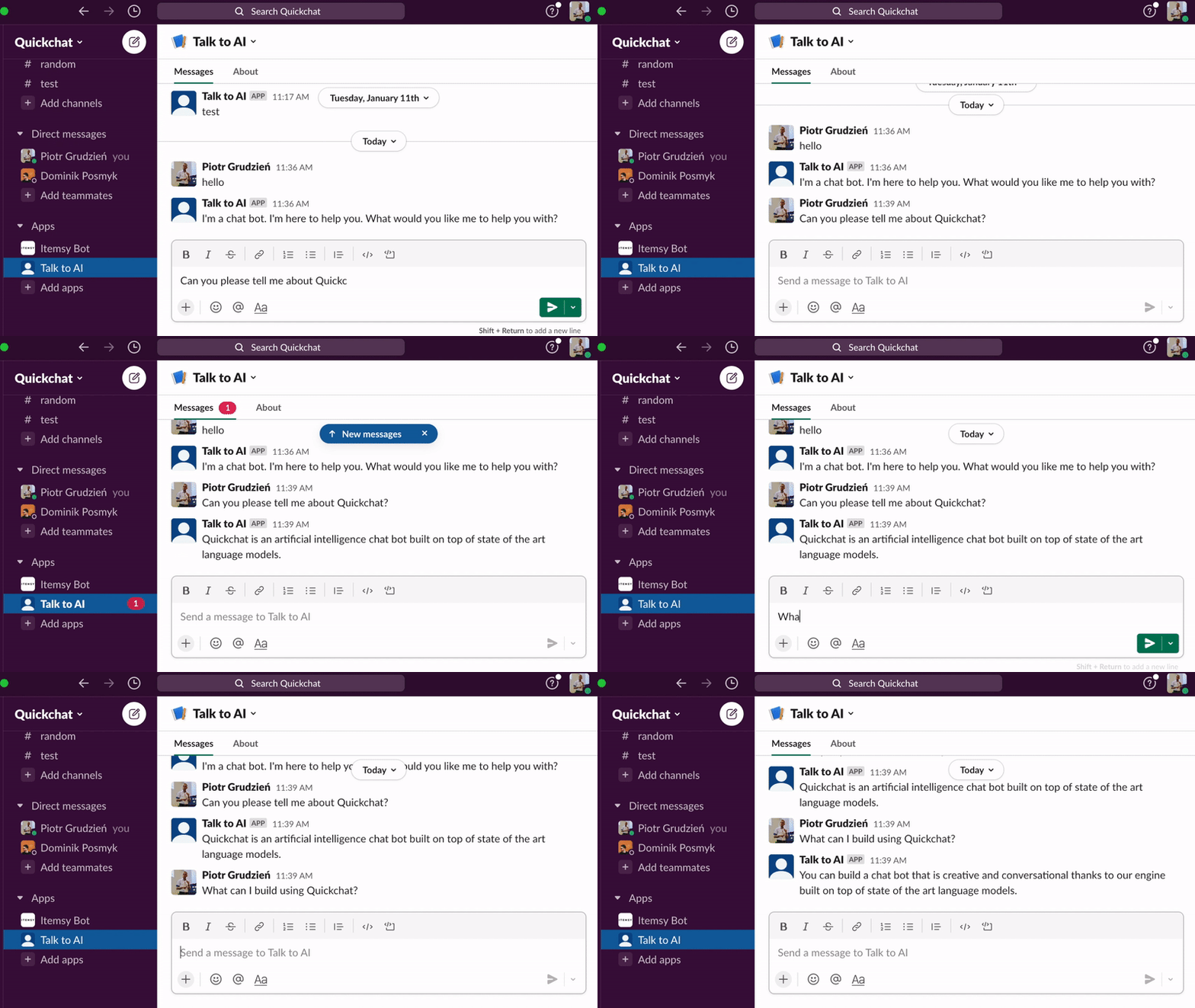
Slack advantages:
- Threaded replies
- Markdown support
- Separate channels per agent
- Feels like real team collaboration
Now each agent has:
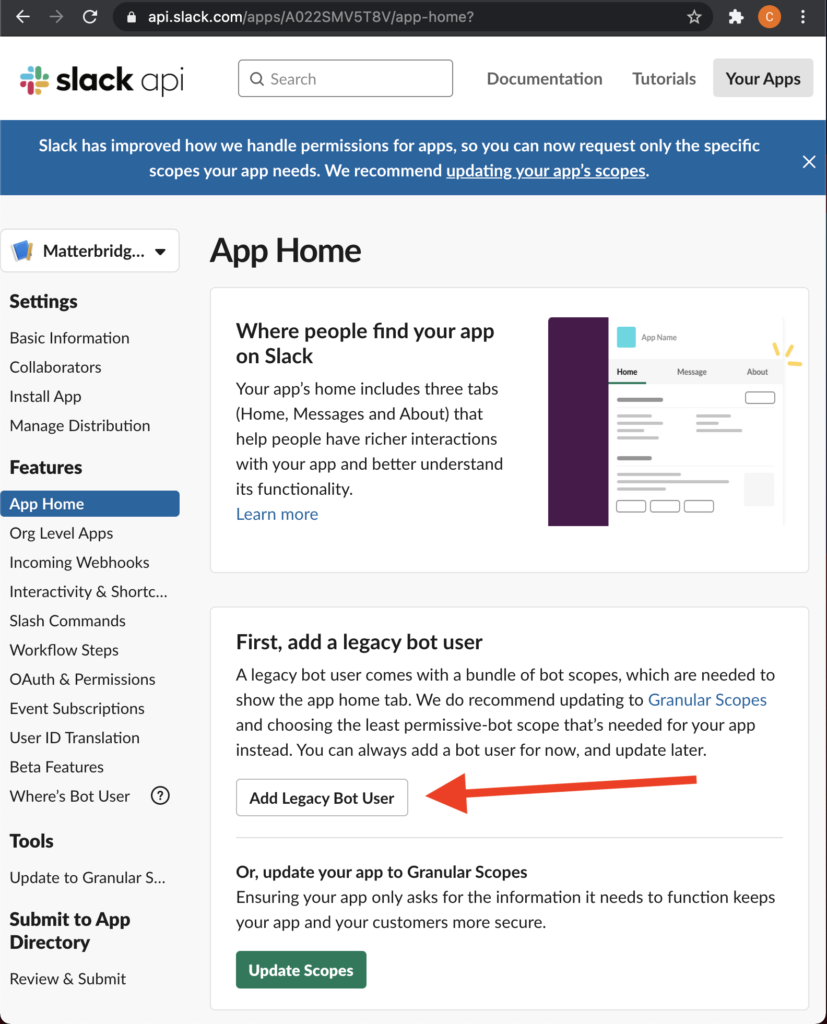
- Its own Slack bot
- Dedicated conversation channel
- Persistent memory
6. Designing a Multi-Agent Team
This is where everything clicked.
Instead of one agent, I built four:
| Agent | Role |
|---|---|
| Claw | System Admin |
| Bernard | Developer |
| Vale | Marketing |
| Gumbo | Assistant |
Each has:
- Defined personality
- Role-specific prompts
- Identity definition
- Model assignment
- Responsibility boundaries
All share one workspace.
Shared memory = shared context.
7. Defining Identity with identity.md
OpenClaw includes an identity.md.
Normally used for one agent.
I modified it for multiple agents.
Each identity includes:
- Tone
- Personality
- Role
- Core responsibilities
- Decision rules
I even gave them avatars inspired by Gorillaz.
Why?
Because personality increases:
- Consistency
- Output quality
- Engagement
Fun matters.
8. Scheduling & Cron Challenges
OpenClaw includes cron scheduling.
But associating scheduled jobs to specific agents was messy.
So I built a custom dashboard.
9. Building a Custom Agent HQ Dashboard
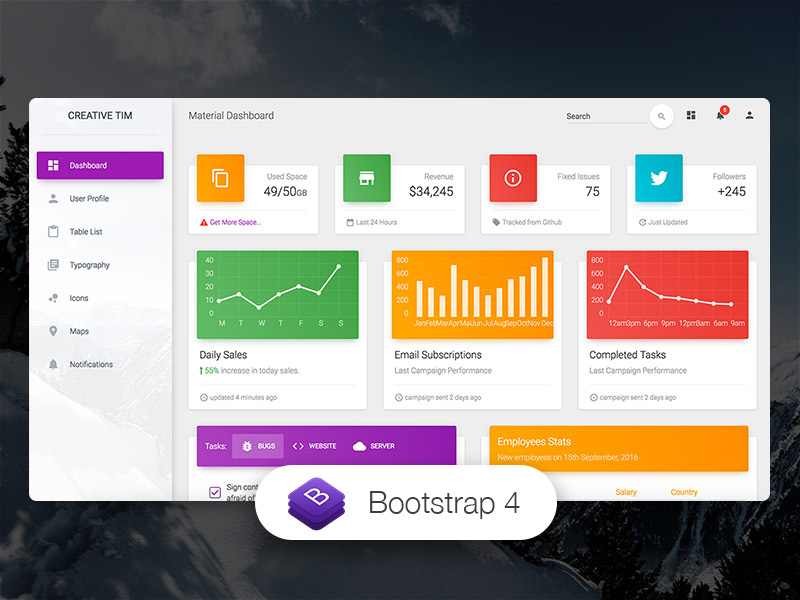
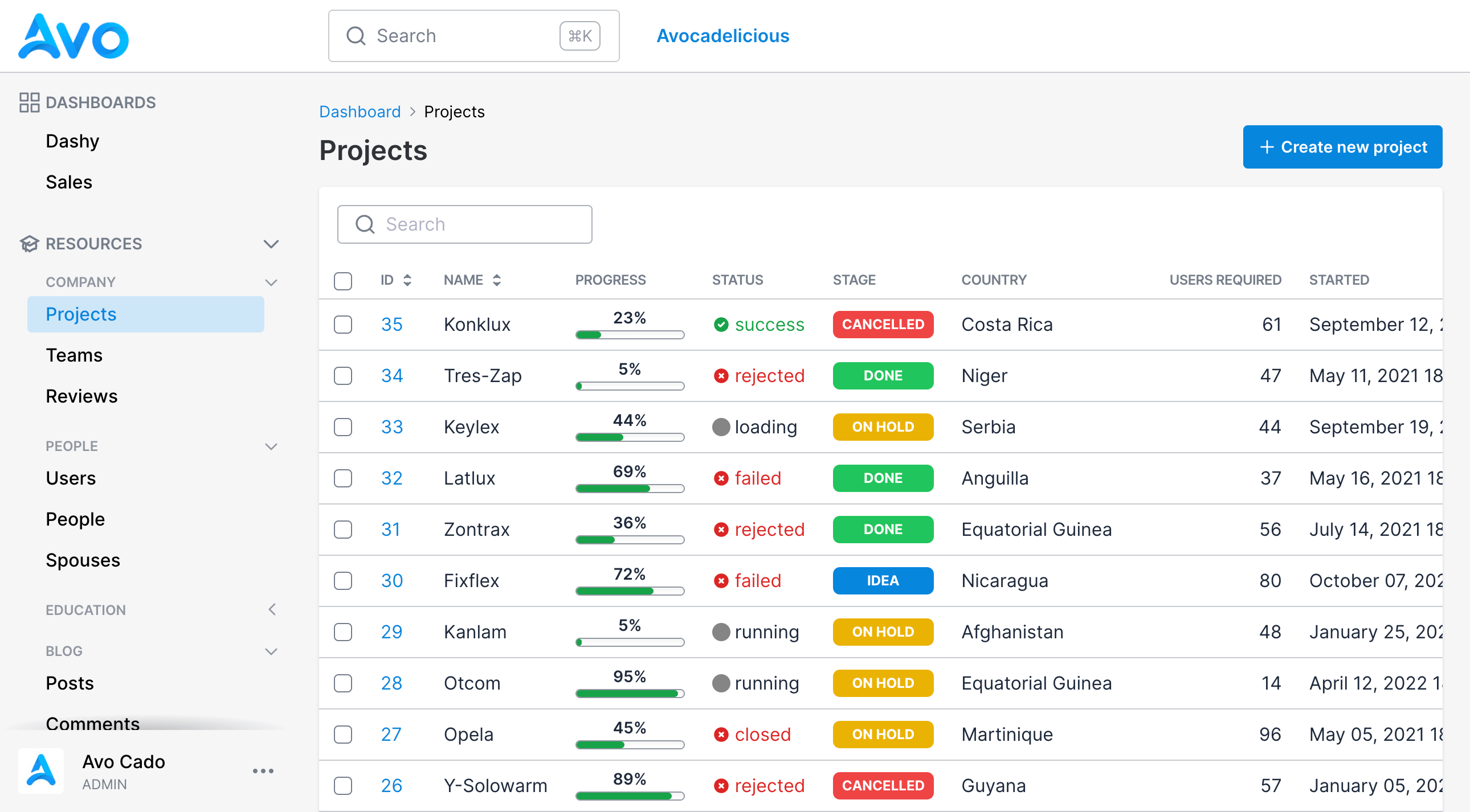

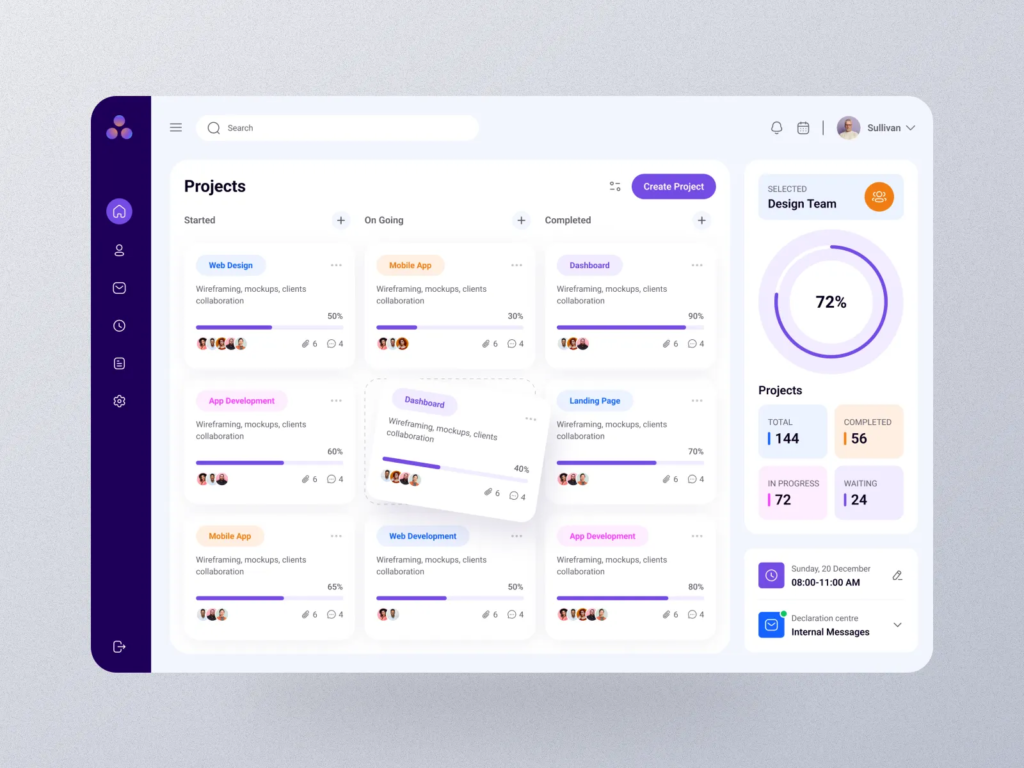
I built a simple Rails app that:
- Connects to OpenClaw Gateway
- Displays scheduled tasks
- Assigns tasks to agents
- Tracks token usage
- Shows system status
Built in one day using cloud code.
This is the superpower of 2026:
If the tool doesn’t exist — build it.
10. What My Agents Actually Do
Now we get to the most important question.
What are they doing?
1. Content Expansion
Agents:
- Capture internal ideas
- Extract insights
- Suggest content angles
- Draft outlines
2. Development Backlog
Bernard:
- Picks up GitHub issues
- Submits PRs
- Monitors production errors
3. Glue Work
Gumbo:
- Schedules content
- Formats docs
- Copies tasks
- Manages small automation jobs
4. Reporting & Insights
Agents:
- Analyze metrics
- Surface trends
- Identify blind spots
This is the most exciting use case.
11. Workflow Architecture


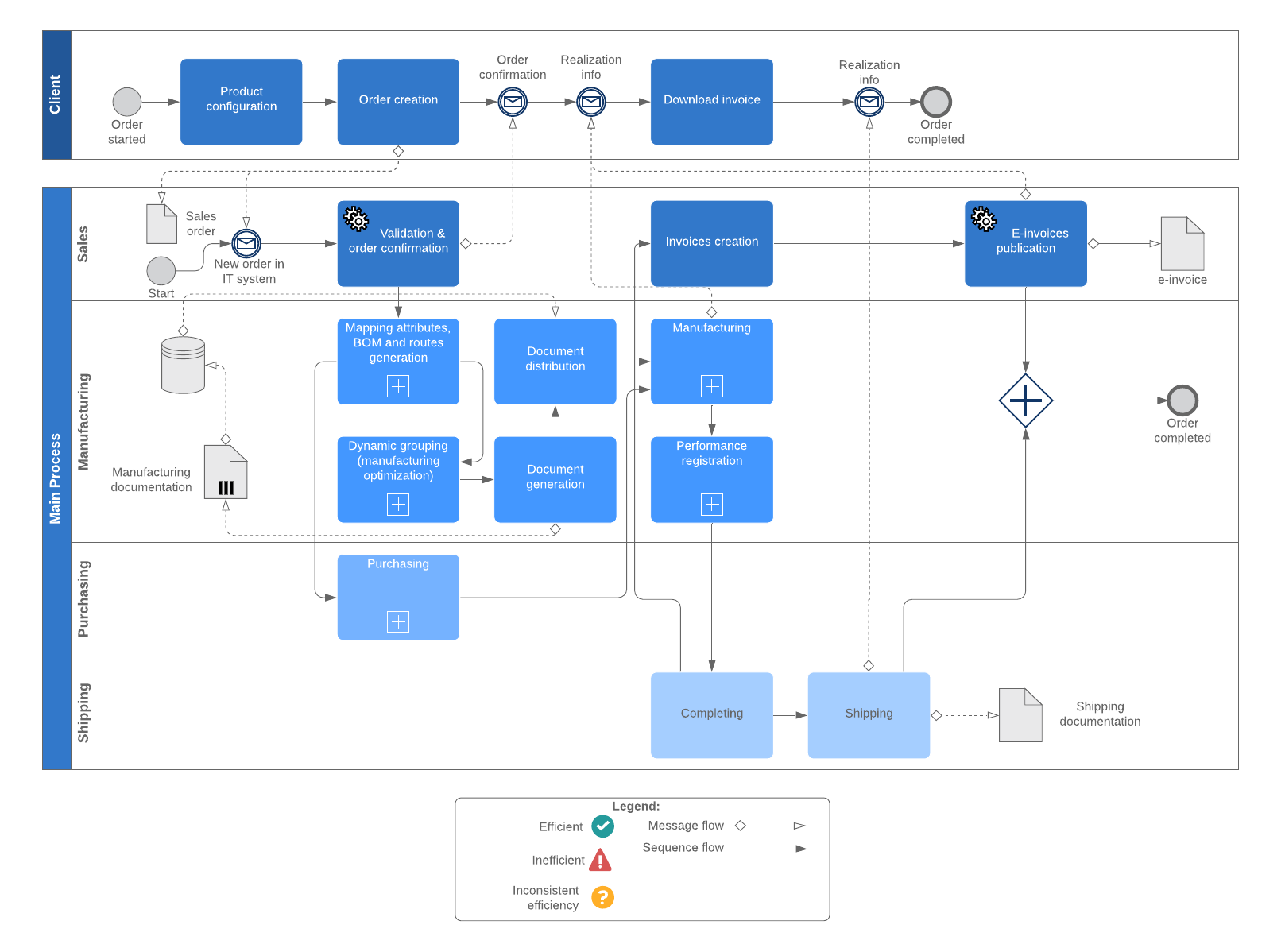
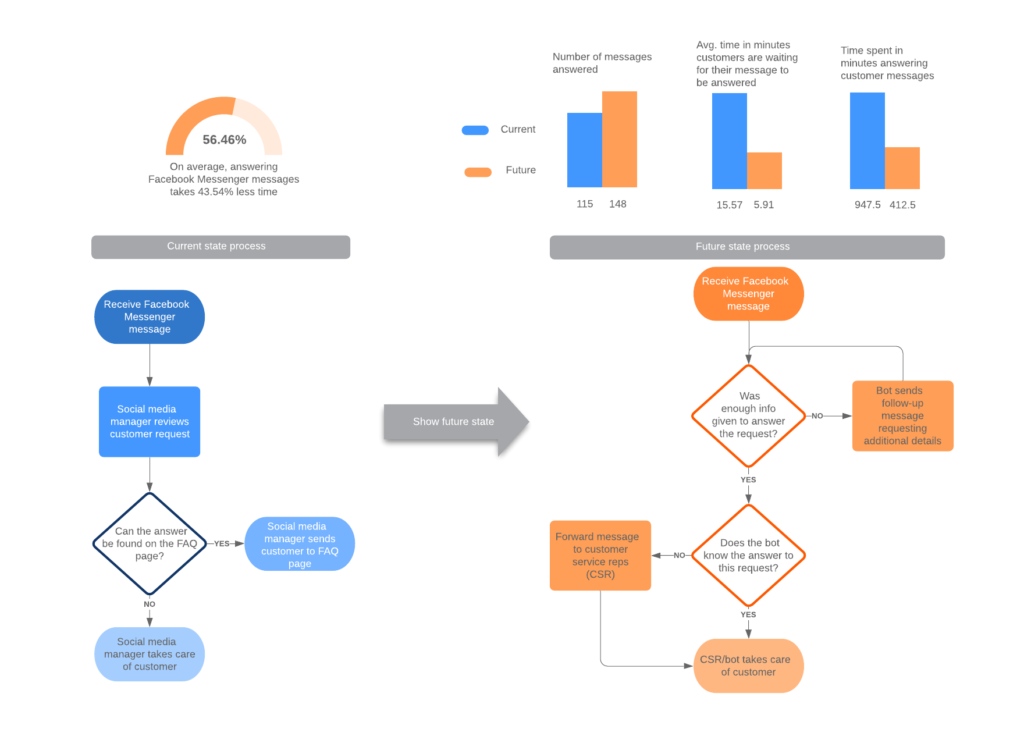
All work flows through:
- Shared workspace
- Markdown brain folder
- Slack delegation
- Dashboard tracking
- Token monitoring
It’s not magic.
It’s structured delegation.
12. Lessons Learned
This is early.
It’s raw.
It required:
- Late nights
- Configuration debugging
- Token experimentation
- Security thinking
But the breakthrough is real.
13. Strategic Mindset for 2026 Builders
This isn’t about:
“Do I want an AI personal assistant?”
It’s about:
“Can agents fill structured roles in my business?”
Builders must:
- Explore
- Tinker
- Architect systems
- Learn model economics
- Understand permissions
The builders who experiment early gain compounding leverage.
14. Final Thoughts: Why This Matters
OpenClaw multi-agent systems represent:
- A shift from tools → teammates
- From chat → delegation
- From prompt → process
This is first-generation infrastructure.
Clunky.
Powerful.
Transformative.
And if you’re serious about scaling output without scaling payroll…
This paradigm is worth mastering now.
What’s Next?
- Build your first single agent
- Separate hardware
- Define permissions
- Assign clear role
- Track token cost
- Add second agent
- Then third
- Then build your dashboard
Iterate.
Refine.
Delegate better.
We are moving from:
Using AI
→
Managing AI teams
Let’s keep building.
50 FAQs: How to Build a Multi-Agent Team with OpenClaw
1. What is OpenClaw?
OpenClaw is a persistent AI agent system built around a Gateway process that runs continuously, maintains memory, executes tools, and allows you to delegate tasks through chat interfaces like Slack.
2. How is OpenClaw different from Claude Code or other coding assistants?
Claude Code runs in session-based terminal workflows. OpenClaw runs continuously in the background, maintains memory, and behaves like an always-on teammate rather than a temporary tool.
3. Can OpenClaw run multiple agents at once?
Yes. You can configure multiple agents with separate roles, identities, and model assignments while sharing a common workspace.
4. Do I need a dedicated machine for OpenClaw?
It’s strongly recommended. A dedicated machine prevents security risks and allows your agents to run 24/7.
5. Can I run OpenClaw on a VPS?
Yes. A VPS starting at $5–$30/month works well, especially for lightweight workloads. However, storage and debugging can be limited.
6. Is a Mac Mini good for running OpenClaw?
Yes. A Mac Mini offers strong performance, easy screen sharing, SSH access, and flexibility for running multiple agents.
7. Should I run OpenClaw on my personal computer?
No. You should isolate it from your personal files and accounts for security reasons.
8. How much does it cost to run OpenClaw agents?
Costs depend on token usage. It can range from $200–$500+ per month depending on model usage and task volume.
9. Can I use my Claw Max subscription for OpenClaw?
It’s safer to use API tokens separately. Subscription plans may not support automation-heavy agent workflows.
10. What is OpenRouter and why use it?
OpenRouter centralizes API usage across models and providers, making it easier to manage cost and switch between models.
11. How do I control token costs?
Assign different models to different agents, use cheaper models for routine tasks, and monitor usage via a dashboard.
12. Which chat tool works best with OpenClaw?
Slack is ideal for multi-agent setups due to threading, markdown support, and structured conversations.
13. Can I use Telegram with OpenClaw?
Yes, but Slack offers better formatting and team-like workflow management.
14. How do I set up Slack bots for OpenClaw?
Create separate Slack bots for each agent and connect them to the OpenClaw Gateway for individual conversations.
15. What is the OpenClaw Gateway?
The Gateway is a persistent process that executes commands, maintains memory, runs tools, and coordinates agents.
16. Can OpenClaw use browsers?
Yes. The Gateway can control browsers and execute tasks autonomously.
17. What kind of roles can AI agents fill?
Developer, marketer, project manager, system admin, assistant, reporting analyst, and more.
18. How do I define agent personalities?
Use the identity.md file to define tone, responsibilities, decision rules, and personality traits.
19. Can multiple agents share memory?
Yes. A shared workspace allows all agents to access common files and logs.
20. Should each agent use a different model?
Yes. Use high-reasoning models for developers and system admins, and faster models for marketing or assistant roles.
21. What is a multi-agent configuration?
It’s a setup where multiple autonomous agents operate with defined roles and responsibilities in the same workspace.
22. How do I assign tasks to agents?
Tasks can be delegated via Slack or through a custom dashboard that interfaces with the Gateway.
23. Does OpenClaw support scheduled tasks?
Yes, but built-in cron scheduling can be limited. Many builders create custom dashboards.
24. Should I build a custom dashboard?
If you’re managing multiple agents, yes. It helps track tasks, usage, and system health.
25. What tech stack can I use for a dashboard?
A simple Rails app or similar backend framework can connect to the Gateway and manage tasks.
26. How do I manage file permissions securely?
Create separate Dropbox or GitHub accounts and share only necessary folders.
27. Should agents have their own email accounts?
Yes. Treat them like employees with controlled access.
28. How do I prevent agents from accessing sensitive data?
Use least-privilege principles. Restrict access at the file and service level.
29. Can OpenClaw submit GitHub pull requests?
Yes. A developer agent can monitor issues and submit PRs autonomously.
30. Can agents monitor production errors?
Yes. Developer agents can track logs and respond to errors if properly configured.
31. What is “glue work” in an AI team?
Tasks like scheduling, formatting, documentation, and repetitive operations that can be delegated.
32. Can OpenClaw help with content creation?
Yes. Agents can capture ideas, extract insights, draft outlines, and expand content.
33. Can AI agents analyze business metrics?
Yes. Agents can surface trends, identify blind spots, and generate reporting insights.
34. Is OpenClaw beginner-friendly?
Not yet. It requires technical configuration and experimentation.
35. How long does it take to set up?
Expect several days of experimentation and configuration if building a multi-agent system.
36. What is a shared workspace?
A central directory where all agents access common files, logs, and memory.
37. What is a “brain” folder?
A markdown-based knowledge system where business data and activity logs are stored for agent access.
38. Can OpenClaw replace employees?
It can augment or replace certain structured roles, but strategic oversight is still human-driven.
39. What are the biggest challenges with OpenClaw?
Configuration complexity, token costs, scheduling limitations, and security management.
40. Is running AI agents 24/7 necessary?
If you want autonomous background work, yes.
41. How do agents communicate with me?
Through Slack or other chat tools integrated with the Gateway.
42. Can agents delegate tasks to sub-agents?
Yes. Agents can assign sub-tasks using different models for cost optimization.
43. What model should developers use?
Higher reasoning models like Opus for complex technical work.
44. What model works for marketing tasks?
Faster and cheaper models like Sonnet often work well.
45. Is it cheaper than hiring staff?
In many cases, yes. Token costs can be significantly lower than payroll.
46. Is OpenClaw secure?
It can be, if configured with isolated machines and least-privilege permissions.
47. Can I scale from one agent to a team?
Yes. Start with one agent, then add roles gradually.
48. What’s the biggest mindset shift?
Moving from using AI tools to managing AI teammates.
49. Is this the future of business operations?
Many builders believe structured AI agent teams will become common infrastructure.
50. Should I start experimenting now?
Yes. Early builders gain leverage by learning how to architect multi-agent systems before they become mainstream.
